VercelLogotypeVercelLogotype
LoginSign Up

Next.js Multi-Zones Starter

Split a single Next.js application by path into multiple applications for faster build times and independent development.

DeployView Demo

Vercel Microfrontends - Next.js Multi-Zones example

This example showcases how to build and deploy a Next.js Multi-Zones microfrontends application using Vercel Microfrontends with Next.js App Router. Learn how to architect independent, deployable frontend applications that work together seamlessly while maintaining team autonomy and deployment independence.

Demo URL: https://vercel-microfrontends-multi-zones.vercel.app/

๐Ÿš€ Deploy to Vercel

This example consists of two separate microfrontends that can be deployed independently:

ApplicationDescriptionDeploy
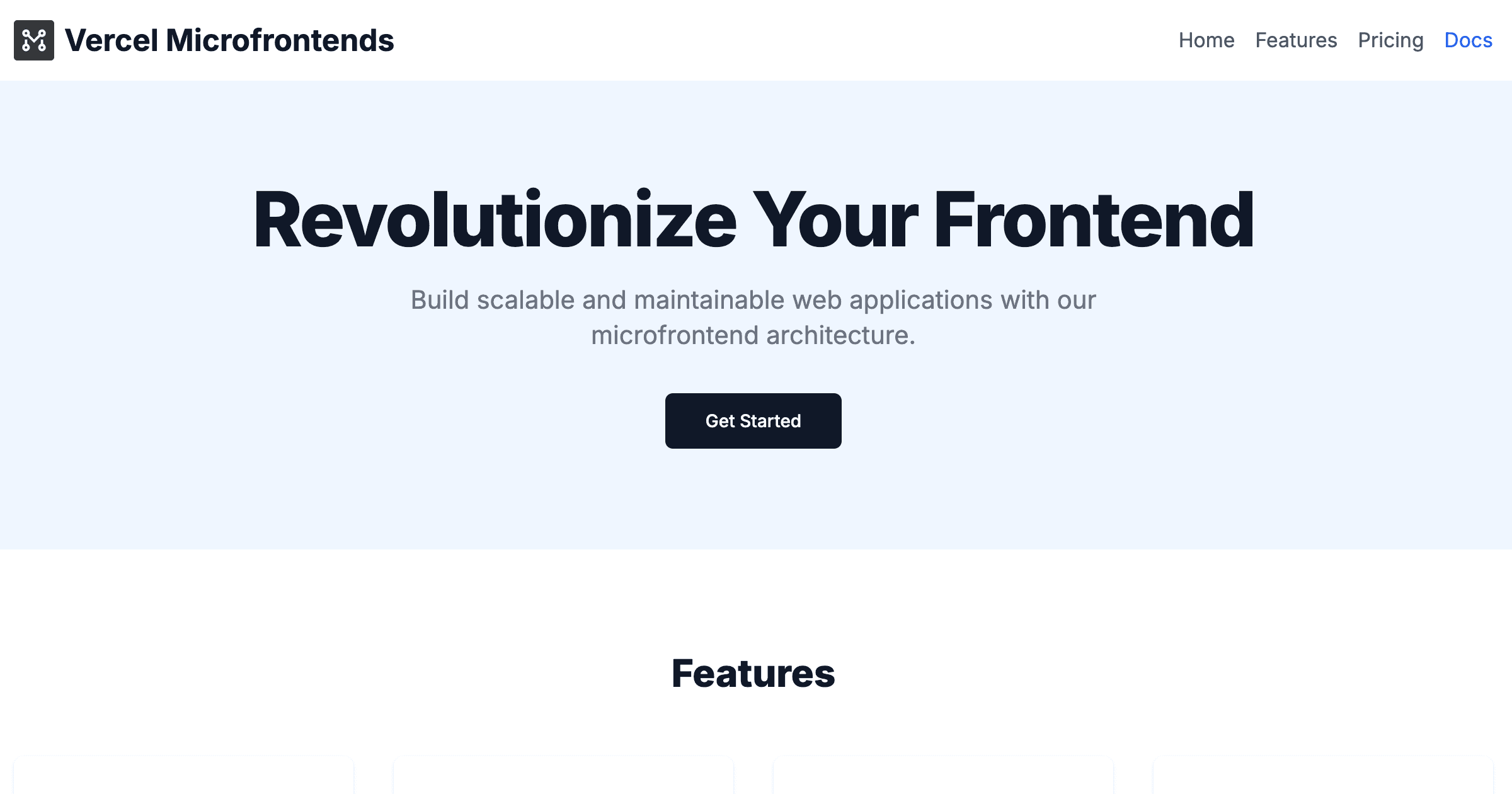
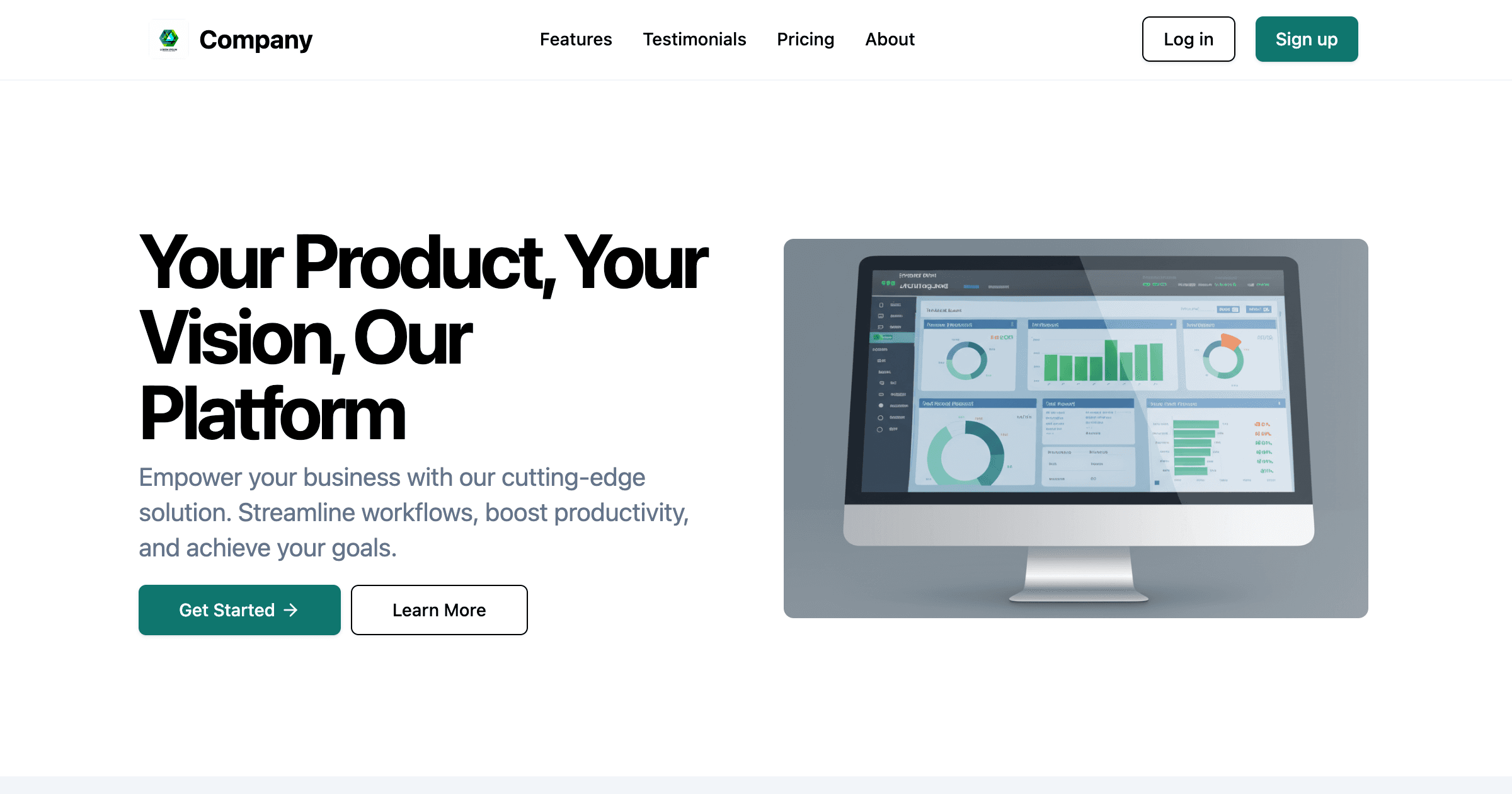
MarketingMain application handling homepage, pricing, and marketing content
DocumentationDedicated docs microfrontend handling all /docs routes

Getting Started

Prerequisites

Ensure you have the following installed:

  • Node.js 20.x or later
  • pnpm 9.4.0 (recommended package manager)
  • Git for version control

Local Development Setup

  1. Clone the repository:

    git clone https://github.com/vercel/examples
    cd microfrontends/nextjs-multi-zones
  2. Install dependencies:

    pnpm install
  3. Start the development environment:

    pnpm dev

This command starts both applications simultaneously:

  • Marketing app: http://localhost:3000
  • Documentation app: http://localhost:3001 (automatically proxied through marketing app)
  1. Access the application: Open http://localhost:3024 in your browser and navigate between different sections to see the microfrontend routing in action.

Why Multi-Zones?

Multi-Zones, or splitting a single domain into multiple applications, allows you to build and iterate on different parts of an application independently. The benefits include:

  • Independent Deployments: Deploy each microfrontend without affecting others
  • Team Autonomy: Enable teams to work independently while maintaining consistency
  • Technology Flexibility: Each microfrontend can use different technologies or versions
  • Fault Isolation: Issues in one microfrontend don't affect others
  • Incremental Upgrades: Modernize parts of your application gradually

Architecture Overview

This example implements a multi-zones architecture where:

Loading diagram...

Key Components

  1. Marketing Application (apps/marketing/)

    • Primary application handling the main website
    • Contains homepage, pricing, and general marketing content
    • Acts as the shell application orchestrating other microfrontends
  2. Documentation Application (apps/docs/)

    • Dedicated documentation microfrontend
    • Handles all /docs routes
    • Can be developed and deployed independently
  3. Shared Packages (packages/)

    • Common TypeScript configurations
    • Shared ESLint rules and formatting standards
    • Ensures consistency across all applications

Project Structure Deep Dive

microfrontends/nextjs-multi-zones/
โ”œโ”€โ”€ apps/
โ”‚ โ”œโ”€โ”€ marketing/ # Main application (shell)
โ”‚ โ”‚ โ”œโ”€โ”€ app/ # Next.js App Router pages
โ”‚ โ”‚ โ”œโ”€โ”€ components/ # UI components
โ”‚ โ”‚ โ”œโ”€โ”€ lib/ # Utilities and helpers
โ”‚ โ”‚ โ”œโ”€โ”€ microfrontends.json # Routing configuration
โ”‚ โ”‚ โ””โ”€โ”€ next.config.ts # Next.js configuration with MFE setup
โ”‚ โ”‚
โ”‚ โ””โ”€โ”€ docs/ # Documentation microfrontend
โ”‚ โ”œโ”€โ”€ app/ # Documentation pages
โ”‚ โ”œโ”€โ”€ components/ # Doc-specific components
โ”‚ โ”œโ”€โ”€ lib/ # Documentation utilities
โ”‚ โ””โ”€โ”€ next.config.ts # Standalone Next.js configuration
โ”‚
โ”œโ”€โ”€ packages/
โ”‚ โ”œโ”€โ”€ eslint-config-custom/ # Shared linting configuration
โ”‚ โ””โ”€โ”€ ts-config/ # Shared TypeScript configuration
โ”‚
โ”œโ”€โ”€ package.json # Root package.json with workspaces
โ”œโ”€โ”€ pnpm-workspace.yaml # PNPM workspace configuration
โ””โ”€โ”€ turbo.json # Turborepo build pipeline

Configuration Files Explained

microfrontends.json

This file defines how microfrontends are discovered and routed:

  • Applications mapping: Defines each microfrontend and its ports
  • Routing rules: Specifies which URLs should be handled by which microfrontend
  • Development settings: Local ports and fallback URLs for development

next.config.ts

Each application has its own Next.js configuration enhanced with:

  • withMicrofrontends(): Enables microfrontend capabilities
  • withVercelToolbar(): Adds development debugging tools
  • Standard Next.js optimizations and settings

How Microfrontend Routing Works

The magic happens through the @vercel/microfrontends package:

1. Route Discovery

The marketing application (shell) reads the microfrontends.json configuration to understand which routes should be handled by which microfrontend.

2. Dynamic Proxying

When a user navigates to /docs, Vercel Microfrontends:

  • Recognizes this route belongs to the documentation microfrontend
  • Proxies the request to the documentation application
  • Returns the response seamlessly to the user

All routing between microfrontends is handled dynamically by Vercel Microfrontends, allowing for a smooth user experience without page reloads.

3. Development Magic

During development, both applications run simultaneously, and the routing happens transparently, providing a seamless development experience.

4. Production Deployment

In production, each microfrontend is deployed independently to Vercel, and the routing configuration ensures requests are directed to the correct deployment.

Learn more in the routing documentation.


Development Workflow

Working with Individual Microfrontends

You can develop microfrontends in isolation using the microfrontends local development proxy:

# Work on the marketing application only
cd apps/marketing
pnpm dev
# Work on the documentation application only
cd apps/docs
pnpm dev

Building and Testing

# Build all applications
pnpm build
# Run linting across all apps
pnpm lint
# Type check all applications
pnpm typecheck
# Run all quality checks
pnpm checks

Adding New Microfrontends

  1. Create a new application in the apps/ directory
  2. Update microfrontends.json to include routing rules
  3. Add the new app to the workspace configuration
  4. Configure deployment settings for the new microfrontend

Learn more in the Managing Microfrontends documentation.


Configuration and Components

Next.js Configuration in This Project

Both applications use withMicrofrontends to enable cross-zone routing:

// apps/marketing/next.config.ts & apps/docs/next.config.ts
import { withMicrofrontends } from '@vercel/microfrontends/next/config';
import { withVercelToolbar } from '@vercel/toolbar/plugins/next';
export default withVercelToolbar()(
withMicrofrontends(nextConfig, { debug: true }),
);

Routing Configuration

The marketing app defines how to route to the docs microfrontend:

// apps/marketing/microfrontends.json
{
"applications": {
"microfrontends-marketing": {
"development": {
"local": 3000,
"fallback": "microfrontends-marketing.vercel.app",
},
},
"microfrontends-docs": {
"development": { "local": 3001 },
"routing": [{ "group": "docs", "paths": ["/docs", "/docs/:path*"] }],
},
},
}

Optimizing Cross-Microfrontend Navigation

The @vercel/microfrontends package can be used to prefetch and prerender links to other microfrontends.

First, embed the PrefetchCrossZoneLinksProvider element in the root layout.tsx of your application.

Then, use the enhanced Link component for seamless optimized navigation between zones:

// In marketing app - navigating to docs
import { Link } from '@vercel/microfrontends/next/client';
<Link href="/docs">View Documentation</Link>
<Link href="/docs/getting-started">Getting Started Guide</Link>

This setup enables the marketing app to seamlessly route /docs requests to the documentation microfrontend while maintaining a unified user experience.

Learn more in the Optimizing Hard Navigations documentation.
GitHub Repovercel/examples
Use Cases
Microfrontends
Stack
Next.js
Tailwind

Related Templates

single-spa Starter

Vite + React microfrontends application using Single SPA.
single-spa Starter thumbnail

Turborepo & Next.js Starter

This is an official starter Turborepo with two Next.js sites and three local packages
Turborepo & Next.js Starter thumbnail

Get Started

  • Templates
  • Supported frameworks
  • Marketplace
  • Domains

Build

  • Next.js on Vercel
  • Turborepo
  • v0

Scale

  • Content delivery network
  • Fluid compute
  • CI/CD
  • Observability
  • AI GatewayNew
  • Vercel AgentNew

Secure

  • Platform security
  • Web Application Firewall
  • Bot management
  • BotID
  • SandboxNew

Resources

  • Pricing
  • Customers
  • Enterprise
  • Articles
  • Startups
  • Solution partners

Learn

  • Docs
  • Blog
  • Changelog
  • Knowledge Base
  • Academy
  • Community

Frameworks

  • Next.js
  • Nuxt
  • Svelte
  • Nitro
  • Turbo

SDKs

  • AI SDK
  • Workflow SDKNew
  • Flags SDK
  • Chat SDK
  • Streamdown AINew

Use Cases

  • Composable commerce
  • Multi-tenant platforms
  • Web apps
  • Marketing sites
  • Platform engineers
  • Design engineers

Company

  • About
  • Careers
  • Help
  • Press
  • Legal
  • Privacy Policy

Community

  • Open source program
  • Events
  • Shipped on Vercel
  • GitHub
  • LinkedIn
  • X
  • YouTube

Loading statusโ€ฆ

Select a display theme:
    • AI Cloud
      • AI Gateway

        One endpoint, all your models

      • Sandbox

        Isolated, safe code execution

      • Vercel Agent

        An agent that knows your stack

      • AI SDK

        The AI Toolkit for TypeScript

      • v0

        Build applications with AI

    • Core Platform
      • CI/CD

        Helping teams ship 6ร— faster

      • Content Delivery

        Fast, scalable, and reliable

      • Fluid Compute

        Servers, in serverless form

      • Workflow

        Long-running workflows at scale

      • Observability

        Trace every step

    • Security
      • Bot Management

        Scalable bot protection

      • BotID

        Invisible CAPTCHA

      • Platform Security

        DDoS Protection, Firewall

      • Web Application Firewall

        Granular, custom protection

    • Company
      • Customers

        Trusted by the best teams

      • Blog

        The latest posts and changes

      • Changelog

        See what shipped

      • Press

        Read the latest news

      • Events

        Join us at an event

    • Learn
      • Docs

        Vercel documentation

      • Academy

        Linear courses to level up

      • Knowledge Base

        Find help quickly

      • Community

        Join the conversation

    • Open Source
      • Next.js

        The native Next.js platform

      • Nuxt

        The progressive web framework

      • Svelte

        The webโ€™s efficient UI framework

      • Turborepo

        Speed with Enterprise scale

    • Use Cases
      • AI Apps

        Deploy at the speed of AI

      • Composable Commerce

        Power storefronts that convert

      • Marketing Sites

        Launch campaigns fast

      • Multi-tenant Platforms

        Scale apps with one codebase

      • Web Apps

        Ship features, not infrastructure

    • Tools
      • Marketplace

        Extend and automate workflows

      • Templates

        Jumpstart app development

      • Partner Finder

        Get help from solution partners

    • Users
      • Platform Engineers

        Automate away repetition

      • Design Engineers

        Deploy for every idea

  • Enterprise
  • Pricing
Log InContact
Sign Up
Sign Up
DeployView Demo
AI Gateway

One endpoint, all your models

Sandbox

Isolated, safe code execution

Vercel Agent

An agent that knows your stack

AI SDK

The AI Toolkit for TypeScript

v0

Build applications with AI

CI/CD

Helping teams ship 6ร— faster

Content Delivery

Fast, scalable, and reliable

Fluid Compute

Servers, in serverless form

Workflow

Long-running workflows at scale

Observability

Trace every step

Bot Management

Scalable bot protection

BotID

Invisible CAPTCHA

Platform Security

DDoS Protection, Firewall

Web Application Firewall

Granular, custom protection

Customers

Trusted by the best teams

Blog

The latest posts and changes

Changelog

See what shipped

Press

Read the latest news

Events

Join us at an event

Docs

Vercel documentation

Academy

Linear courses to level up

Knowledge Base

Find help quickly

Community

Join the conversation

Next.js

The native Next.js platform

Nuxt

The progressive web framework

Svelte

The webโ€™s efficient UI framework

Turborepo

Speed with Enterprise scale

AI Apps

Deploy at the speed of AI

Composable Commerce

Power storefronts that convert

Marketing Sites

Launch campaigns fast

Multi-tenant Platforms

Scale apps with one codebase

Web Apps

Ship features, not infrastructure

Marketplace

Extend and automate workflows

Templates

Jumpstart app development

Partner Finder

Get help from solution partners

Platform Engineers

Automate away repetition

Design Engineers

Deploy for every idea