



Managing environment variables
Environment variables are key-value pairs configured outside your source code so that each value can change depending on the Environment.
Changes to environment variables are not applied to previous deployments, they only apply to new deployments. You must redeploy your project to update the value of any variables you change in the deployment.
To declare an Environment Variable for your deployment:
- From your dashboard, select your project. If necessary, you can also set environment variables team-wide so that they will be available for all projects.
- Open Settings in the sidebar.
- Go to Environment Variables in your Project Settings.
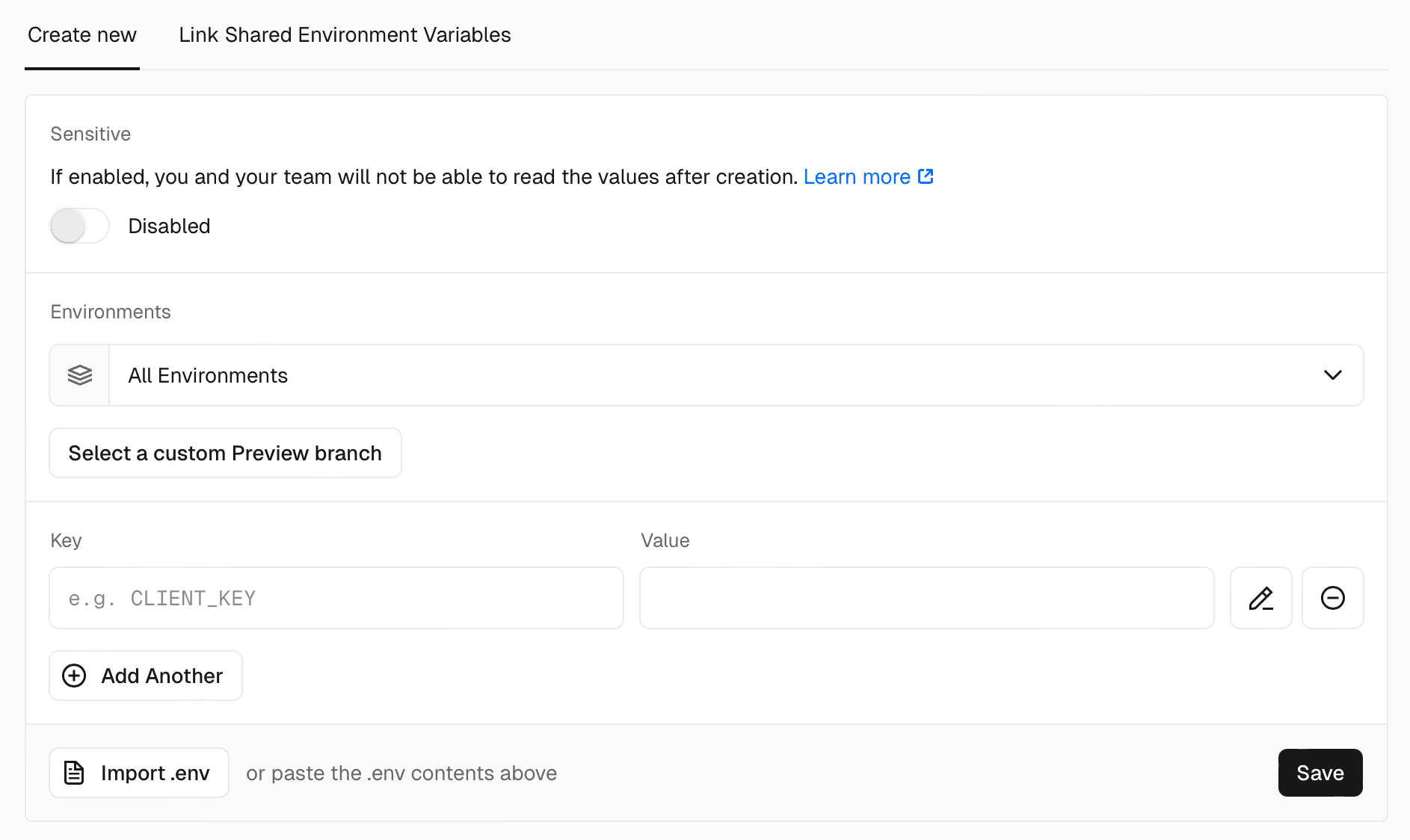
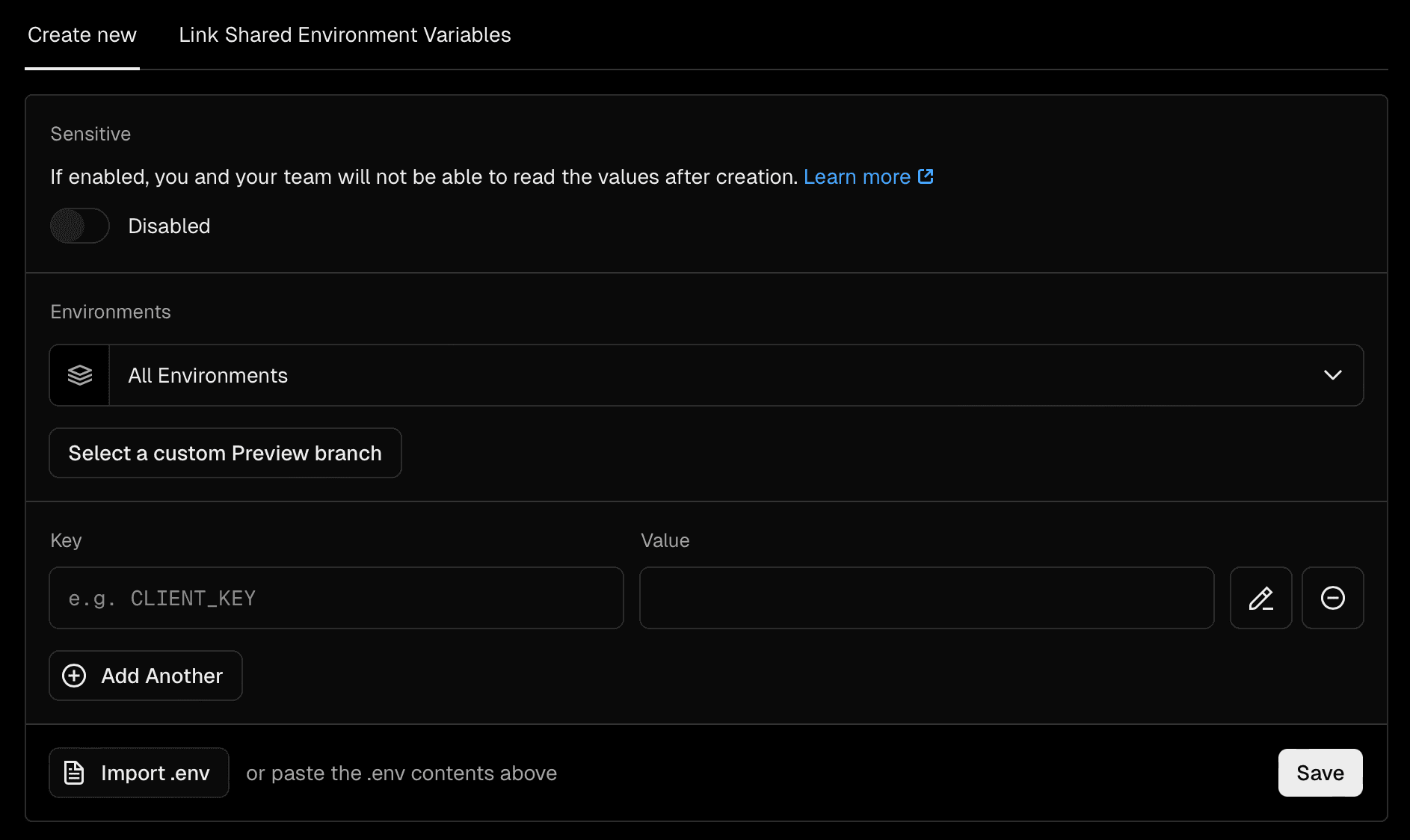
-
Enter the desired Name for your Environment Variable. For example, if you are using Node.js and you create an Environment Variable named
API_URL, it will be available underprocess.env.API_URLin your code.process.env.API_URL;os.Getenv("API_URL")os.environ.get('API_URL')ENV['API_URL'] -
Then, enter the Value for your Environment Variable. The value is encrypted at rest so it is safe to add sensitive data like authentication tokens or private keys.
-
Configure which deployment environment(s) this variable should apply to.
-
Click Save.
-
To ensure that the new Environment Variable is applied to your deployment, you must redeploy your project.
To find and view all environment variables.
- From your dashboard, select your project. You can also view all team-wide environment variables through the Team Settings.
- Open Settings in the sidebar.
- Go to Environment Variables in your Project Settings.
- Below the Add New form is a list of all the environment variables for the Project.
- You can search for an existing Environment Variable by name using the search input and/or filter by Environment.
- To edit or delete the Environment Variable, click the three dots to the right of the Environment Variable name.


Was this helpful?